YouTube to quiz: from lecture video to cited questions
Video is where a lot of teaching now happens — a recorded lecture, a conference talk, an explainer. But turning a 40-minute video into a quiz usually means scrubbing the timeline, pausing to type questions, and hoping you remembered the details right. This guide shows how to go from a link to a cited, deliverable quiz without any of that.
- ✓You shouldn't have to download the video or export an MP3 — a link is enough.
- ✓Questions should cite the transcript sentence, so you can trust what was actually said.
- ✓A hosted quiz link is the fastest way to turn a video into a check-for-understanding.
- ✓Timestamps let you send students back to the exact moment a concept was explained.
The usual friction — and how to skip it
Competing tools often make you export audio, upload it, wait for a transcription service, then paste the transcript back in. QuizRoom ingests the link directly: it transcribes the audio, numbers every spoken sentence, and generates from that — so the questions are grounded in the words on the recording, not a guess at the topic.
A video link joins PDFs, URLs and images in the same grounded pipeline.
From link to hosted quiz in three steps
- 1Paste the link
Drop in a YouTube URL (or upload any video/audio file). QuizRoom transcribes it and numbers each sentence — no download step.
- 2Generate and review
Questions stream in, each tied to the transcript sentence it came from, so you can confirm the video actually said it.
- 3Deliver or export
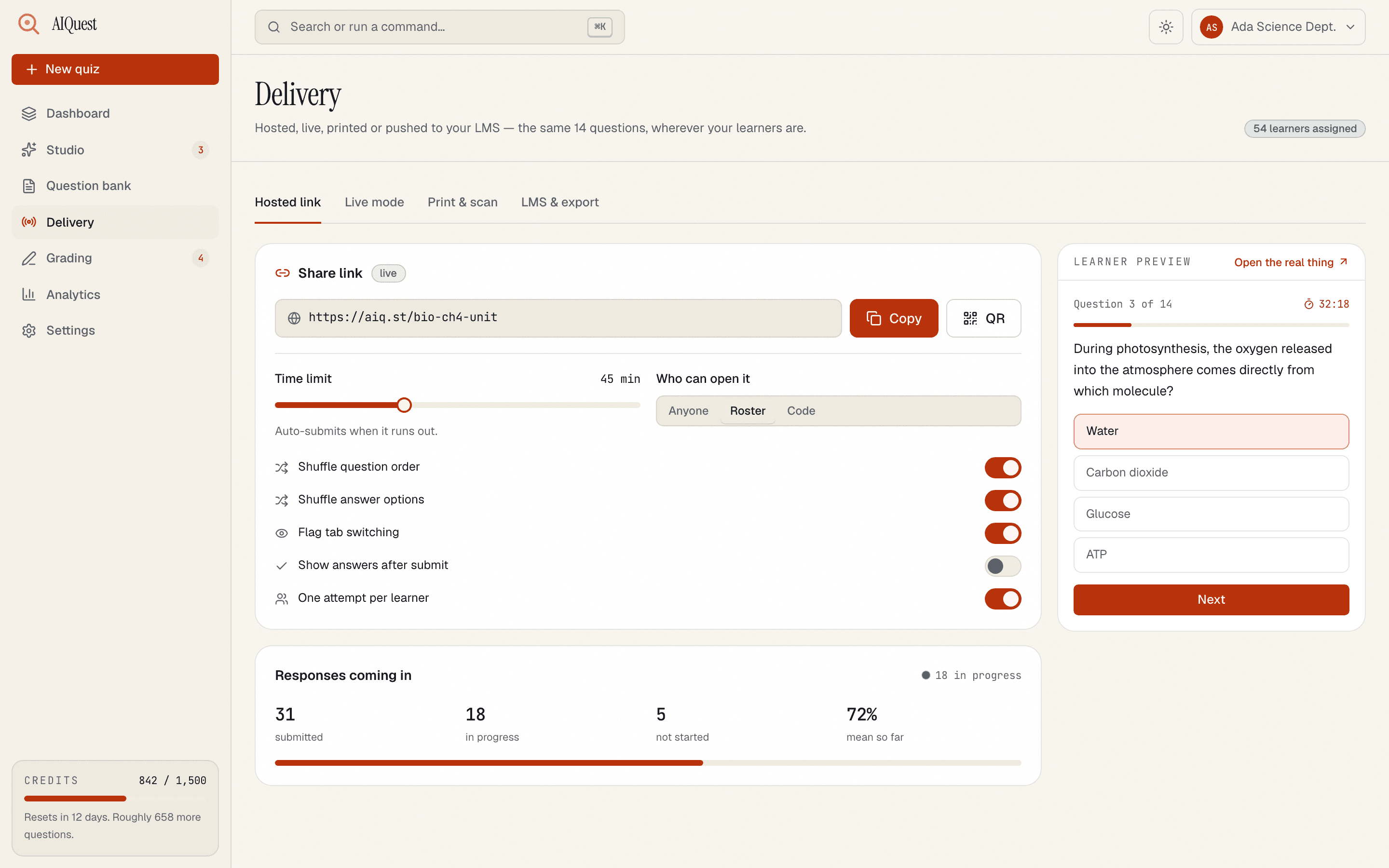
Publish a hosted link students can take on any device — answers are scored automatically — or export to your LMS.
- 1A hosted quiz — share one link, works on any device
- 2Learners take it in the browser, no login
- 3Scored server-side as attempts arrive
Assign the video, attach the QuizRoom link as a two-minute entry ticket, and open class already knowing which concepts landed. The item analytics tell you what to reteach before you say a word.
Why grounding matters even more for video
Transcripts are noisy — speakers hedge, backtrack and misspeak. A generator that works from the “gist” of a video will smooth over exactly the nuance you wanted to test. Because each QuizRoom question cites its transcript sentence, you can catch the rare case where an automatic transcript garbled a term, and you're never quizzing students on something the speaker didn't say.
Languages and accessibility
The transcript and the questions follow the source language, so a lecture in Spanish produces Spanish questions grounded in the Spanish transcript. And because the output is a standard hosted quiz or an exported file, it drops into whatever accessible-delivery setup you already use.
Do I need to download the video first?
No. QuizRoom ingests the YouTube link directly — no manual MP3 export or third-party transcription step.
What if the video has no captions?
It still works. QuizRoom transcribes the audio itself, so questions are generated even when the uploader never added captions.
Which languages are supported?
Dozens. The transcript and the generated questions follow the language spoken in the video.
Can students take the quiz without an account?
Yes — a hosted quiz is a shareable link that runs on any device, and attempts are scored automatically.
Turn a lecture video into a quiz
Paste a link and get cited questions grounded in what was said — free to try with 60 credits.
Start free — 60 creditsBuilds the generation pipeline behind QuizRoom, including the citation check that rejects any question it can't trace back to your source. Previously shipped ingestion and OCR systems at two edtech companies.